
Pluto Bio joins Claude's Connectors Directory

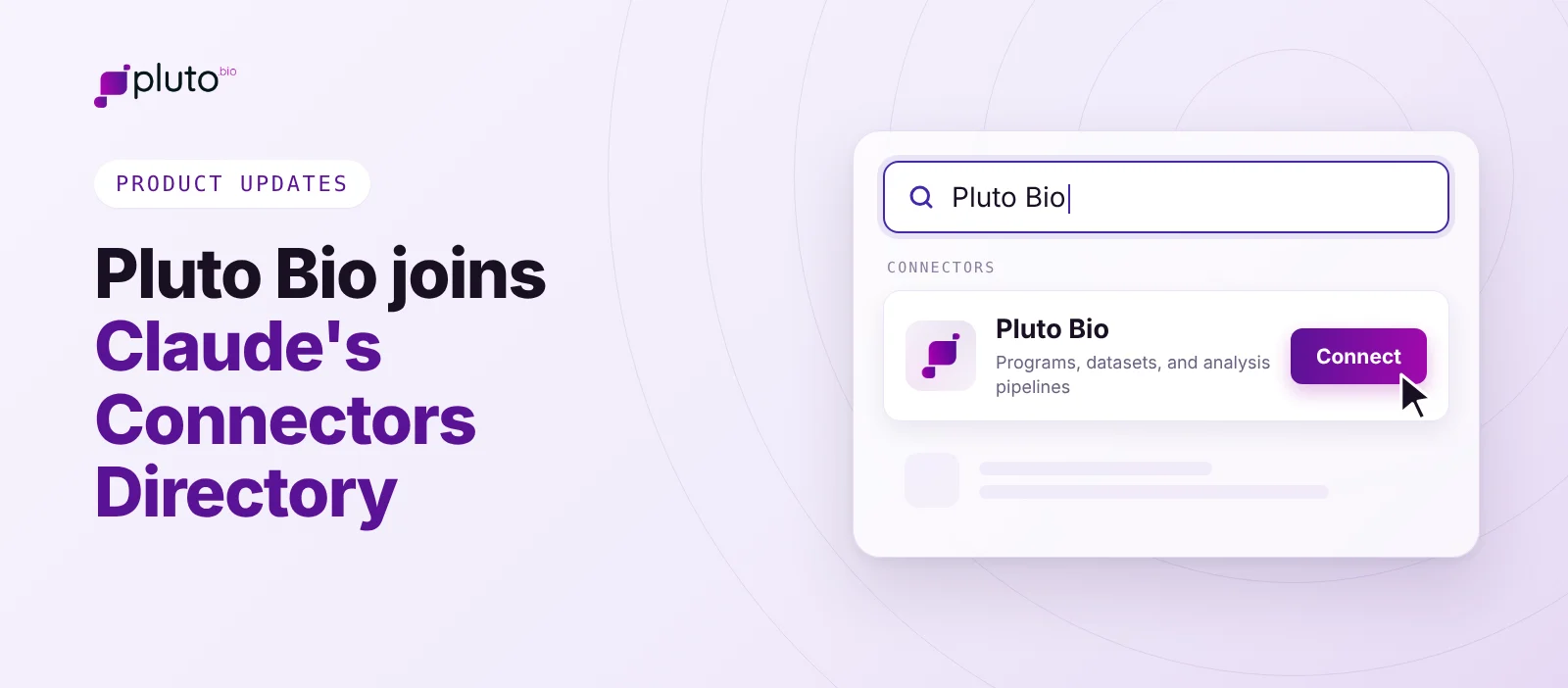
The Pluto Bio connector is now listed in Claude's Connectors Directory. Add it, sign in, and your assistant can work with your programs, data, and analysis pipelines.
In October, we launched the Pluto MCP server so your AI assistant could look up your programs instead of making you paste them in. Setting up the server meant finding the right menu, adding the custom connector, pasting a server URL, and checking which sign-in options to pick. That is one step too many for scientists who just want to ask a question about their data.
Pluto Bio is now in Claude's Connectors Directory.
Search for Pluto Bio, click Connect, and sign in with your Pluto account. The same listing works across Claude on the web, desktop, and mobile, Claude Code, and Cowork, so a bench scientist asking a quick question and a computational biologist working in Claude Code reach the same programs through the same connector.
On Team and Enterprise plans, an Owner adds Pluto Bio once for the organization, and each scientist connects with their own account. Team members who can't add connectors can request it, and the request goes straight to their Owners.
Claude can also suggest Pluto in the middle of a conversation when it's relevant to what someone is asking. A scientist working through RNA-seq results may be prompted to connect Pluto without knowing it was there.

Say you're picking up a program after a handoff. You want to know what data exists, whether the sample groups support the comparison you have in mind, and whether anyone has already run it.
Without the connector, that's an afternoon of clicking through datasets and cross-checking sample sheets. With it, you ask:
- "Find every lung cancer dataset across my programs." Claude searches by organism, tissue, assay, or disease.
- "How many replicates per group does this one have?" Claude profiles the sample table, so a thin or mislabeled comparison gets caught before it runs.
- "Run differential expression on treated vs. control." The analysis runs in Pluto, and the plot lands in the program's analysis space.
- "Show me the top 20 genes by effect size." Claude reads the full results table, not a summary, and filters it by p-value, effect size, or gene.
Keep results linked to your program
When an AI assistant analyzes data on its own, the result usually lives in a chat window, produced by code nobody else will see. Analyses run through the connector use Pluto's versioned pipelines with recorded parameters. The same inputs go through the same method every time, and the output is saved where the rest of your team works. When a result goes into a program review, anyone can see how it was produced.
Every change made through the connector is logged in the program's History tab as created by that scientist through their AI assistant. Six months later, you can still answer who ran the comparison and when.
Get started
New to Pluto?
Book a demo and we'll show you the connector working on your own scientific questions.
Already a Pluto client?
Find Pluto Bio in Claude's Connectors Directory. For setup details, see our help doc: Connect your AI assistant to Pluto.